Building a Website for Free With an AI Website Builder (My Experience Using Manus AI)
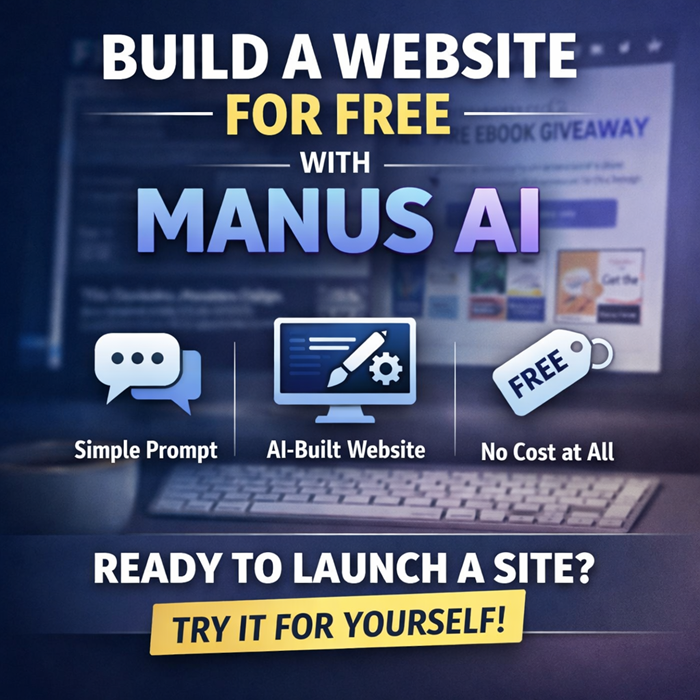
If you’ve ever wanted to put together a simple website without paying for hosting, design tools, or a page builder, this is one of those rare moments where “free” actually means free. I recently used Manus AI as an AI website builder to launch a live giveaway page for my ebooks, and the entire thing came together with almost no effort.
No templates. No drag-and-drop editor. No fiddling with layouts.
Just a prompt.
What I Wanted to Build (And Why)
My goal was basic:
- I wanted a single webpage
- It would list my ebooks
- Each ebook would link to its Google Play listing
- The page should be clean, readable, and public
- And it should cost nothing
Normally, this means picking a website builder, signing up, choosing a template, stripping out the stuff I don’t want, and hoping the free tier doesn’t plaster ads everywhere.
Instead, I tried something different.
I used Manus AI as an AI website builder.
The Prompt I Used (Yes, It Was That Simple)
Here’s essentially what I told it:
“I want to give away my ebooks”
Then I listed the ebook titles with their Google Play links.
That was it.
No instructions about layout. No design rules. No CSS. No sections or headings defined.
Manus AI handled the structure, organization, and page flow automatically.
What Manus AI Did Automatically
This is where the AI website builder part actually earned its keep.
Manus AI:
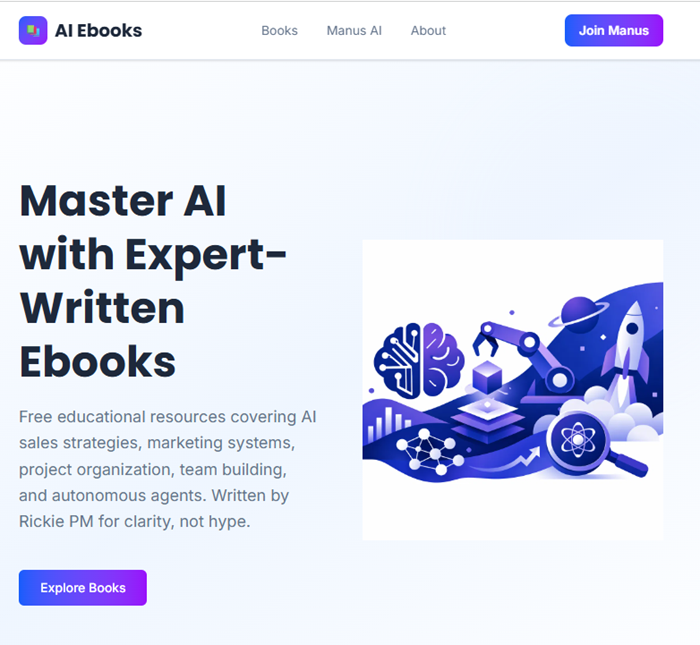
- Created a clean, readable webpage
- Organized the ebook titles logically
- Turned links into proper call-to-action elements
- Generated a public, live page instantly
- Hosted it without asking for payment or setup
The result is a working page I can immediately promote:
No extra steps. No export process. No “upgrade to publish” message.
Why This Works So Well for Simple Projects
This isn’t trying to replace a full CMS or a custom-coded site. That’s not the point.
What Manus AI does well is remove friction for small, practical projects:
- Giveaway pages
- Resource lists
- Ebook hubs
- Simple landing pages
- One-page informational sites
If your goal is “get something online quickly and don’t overthink it,” this approach makes sense.
For me, the value wasn’t just speed. It was that I didn’t have to make decisions about design or layout at all. The AI website builder made reasonable choices and moved on.
Free Actually Means Free (That Matters)
A lot of AI tools advertise free tiers that aren’t useful once you try to publish anything.
This was different.
- No hosting fees
- No forced branding
- No locked export
- No payment wall to go live
That alone makes Manus AI worth experimenting with if you’re testing ideas, distributing content, or setting up quick campaigns.
When an AI Website Builder Makes Sense (And When It Doesn’t)
An AI website builder like Manus AI is ideal when:
- You want speed over customization
- You don’t care about pixel-perfect control
- You’re promoting content, not building a brand site
- You want something live today, not next week
If you need complex navigation, custom integrations, or heavy branding control, this isn’t the right tool.
But for lightweight, practical pages? It’s surprisingly effective.
Final Thoughts
I didn’t plan to “build a website” that day. I just wanted a place to give away my ebooks.
Using Manus AI as an AI website builder turned that into a live webpage in minutes, with no setup cost and no technical overhead. That’s a meaningful shift in how simple sites can be created.
If nothing else, it’s worth trying for your next small idea—especially when free actually means free.
Tell Me If You’ve Tried This (Or Something Similar)
I’m curious how other people are actually using AI website builders (like Hostinger etc) in the real world — not demos, but practical stuff that’s already live.
Have you:
- Used Manus AI or another AI website builder to launch a page quickly?
- Built a giveaway page, resource list, or simple landing page with AI?
- Tried prompting an AI with almost no instructions just to see what it would do?
If you have, tell me what you built and how it turned out.
If you haven’t tried it yet, what’s the one small page you’d want to put online first?
Drop a comment below — I’m especially interested in real use cases, not polished marketing sites.
How This Process Worked Out For Me
As I’ve said, it was fast, easy and correct to produce the one page website.
However, as I wrote in “Manus AI Hacks: 50 Practical Ways to Automate Your Business“, I will not use Manaus to write the Ebooks.
For a full technical overview, see our complete guide to what Manus AI actually is:
https://ai.salesmarket.com/what-manus-ai-actually-is.html